Making Your Outdoor Heat Play Nice With Your Smart Home
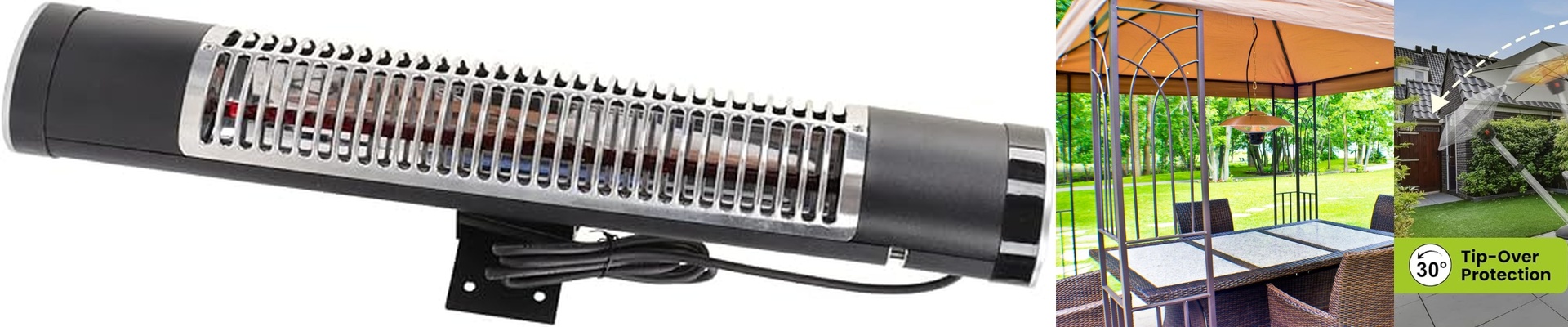
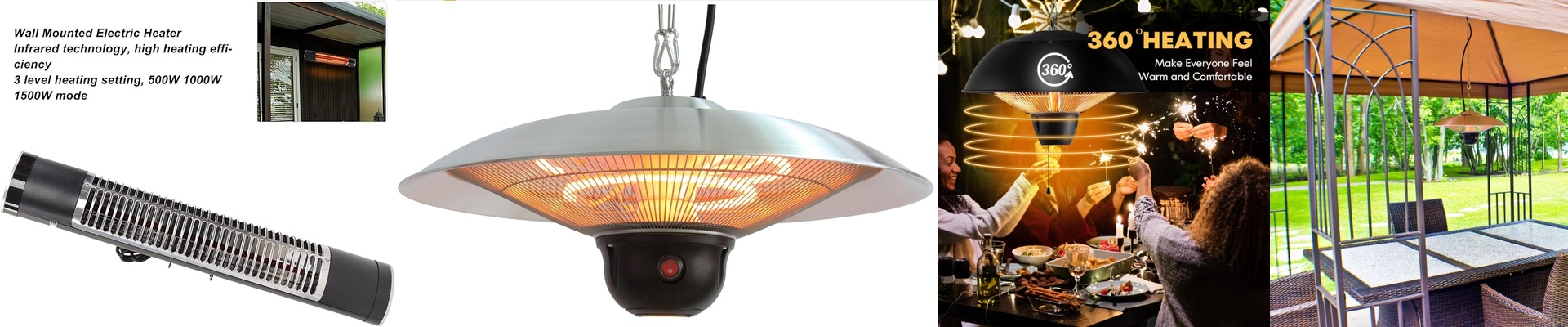
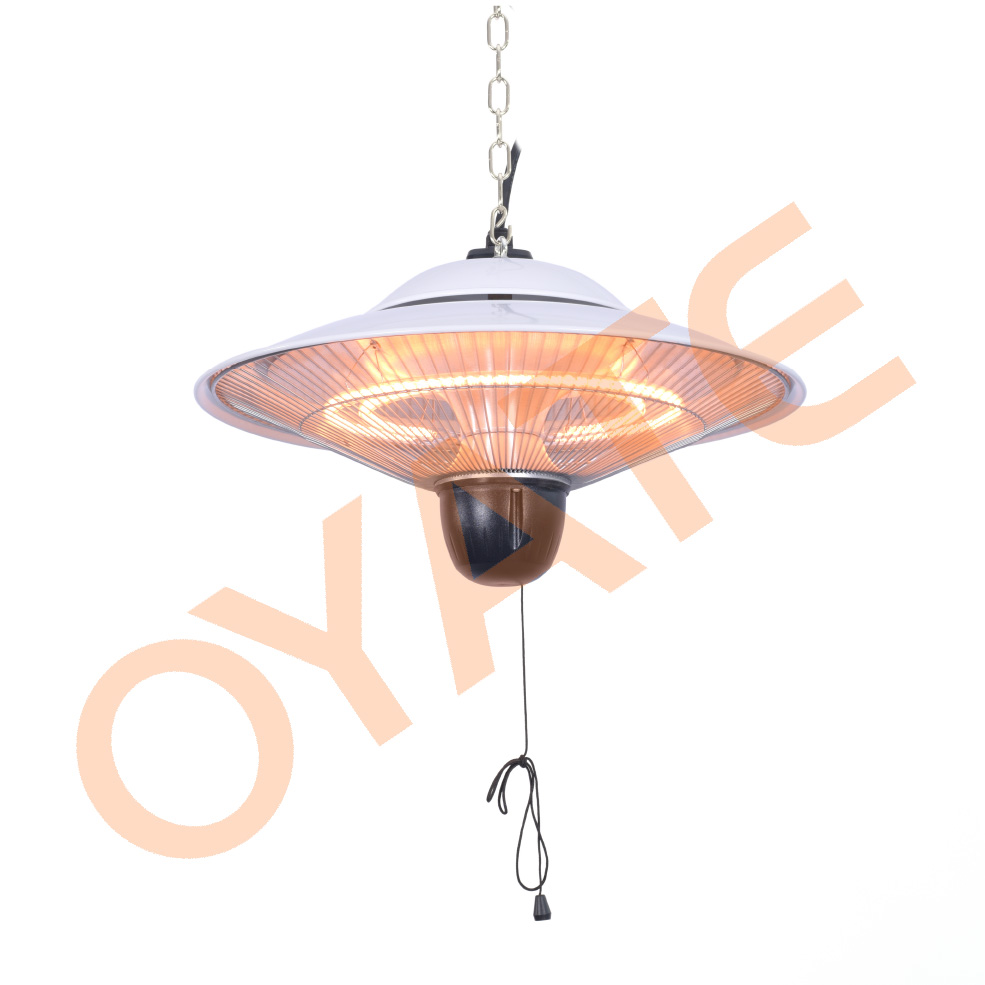
We build IP65 infrared heaters for those spots where things get wet and cold. The magic here is that they don’t bother trying to warm up the air—which is a losing battle outdoors. Instead, they send out heat waves that hit you and your furniture directly. It’s the difference between waiting for a room to warm up and stepping into a beam of sunlight. You flip the switch, and you feel it. Right then.
The Guts: Water-Proofing and Heat
When we say “IP65,” we just mean the thing is sealed tight. Dust can’t get in, and if you blast it with a water jet, it won’t blink. We use heavy-duty gaskets and housings that don’t rust, so the electrical parts stay bone-dry and safe. Inside, we use quartz or carbon fiber. These materials are fast. Like, really fast. But there’s a catch. Because these units put out so much concentrated heat, we have to be smart about how the casing is vented. If the heat just sits there, it can trip the internal controller. We make sure there’s a proper heat sink so the brain of the heater doesn’t overheat while it’s keeping you warm.
Getting it “Smart”
Nobody wants to walk out into the freezing rain to turn on a heater. To fix that, we connect the heater’s power relay to a smart home hub using Zigbee or Matter. Now, it’s not just about a remote “on” button. It’s about managing the power. Infrared heaters pull a lot of juice. We wire them into smart relays that can actually handle that heavy amperage. When you tap your app, the relay snaps shut, and the element is glowing hot in seconds. No more messing around with clunky manual thermostats.
A Few Things to Watch Out For
Adding smart controls makes life easier, but it adds a bit of a headache to the wiring if you aren’t careful. Here’s the deal: your smart relay has to be rated for the heater’s wattage. If you use a cheap, undersized relay, the heavy load will fry it. It’s just a matter of physics. If you’re planning to run a bunch of these units on one circuit, don’t lean solely on the smart controller. We suggest using a dedicated contactor. It acts as a buffer, so your smart hub doesn’t have to do all the heavy lifting—and doesn’t end up burning out.